
Topaz Labs AI: Enhance Your Photos and Videos with Ease
Image EditorsDescription
Photo and video enhancement software powered by deep learning gets you the best image quality available for noise reduction, sharpening, upscaling, and more.
Website Preview
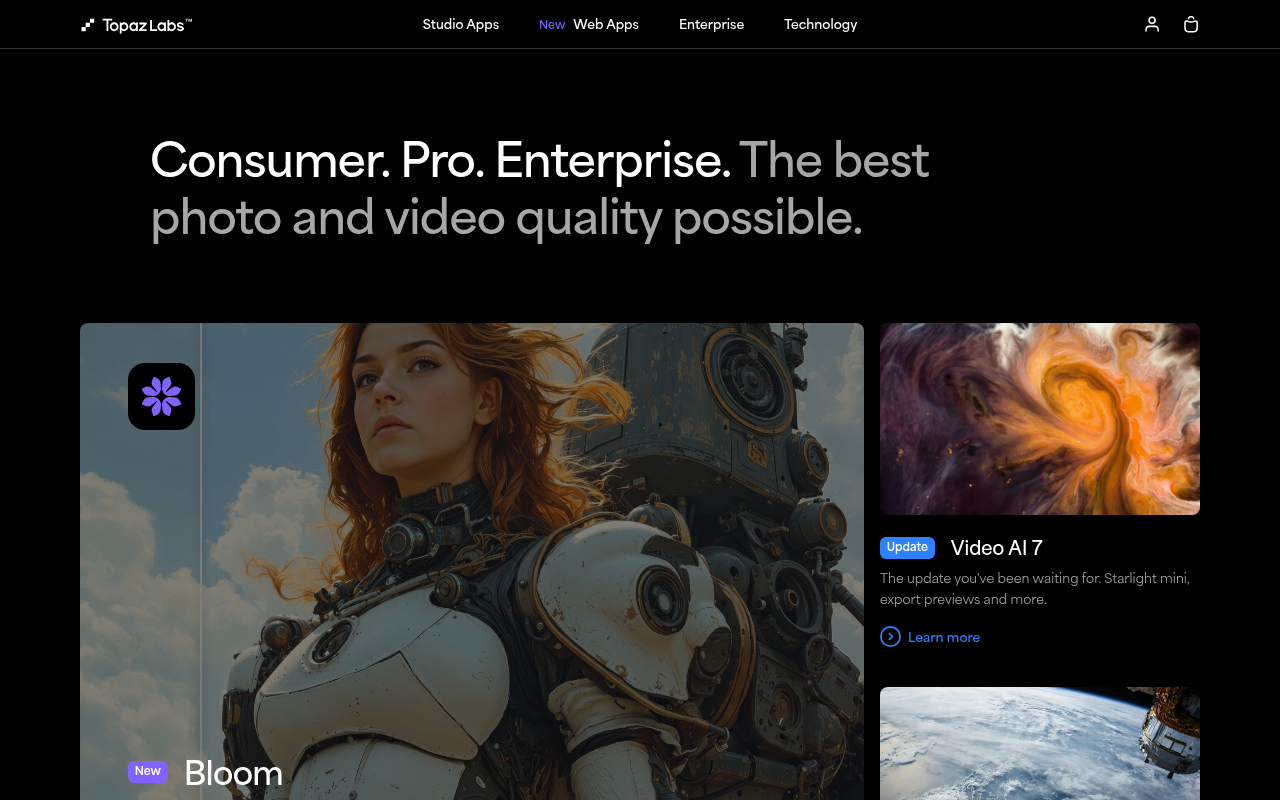
Click to view full size
About This Website
What is Topaz Labs?
Topaz Labs offers a suite of professional-grade photo and video editing tools powered by artificial intelligence. Their software aims to provide users with the best possible image quality through AI-driven noise reduction, sharpening, upscaling, and other enhancements. The target users range from amateur photographers and videographers looking to improve their work to seasoned professionals seeking to streamline their editing workflow. Topaz Labs offers cross-platform compatibility, working as both standalone applications and plugins for popular editing software like Adobe Photoshop and Lightroom. This flexibility allows users to integrate Topaz Labs' AI power seamlessly into their existing creative processes.
Key Features
- AI-Powered Enhancement: Topaz Labs' core strength lies in its AI algorithms trained to analyze and intelligently enhance images and videos. These algorithms can distinguish between real detail and noise, leading to superior results compared to traditional methods.
- Noise Reduction: Their noise reduction tools effectively eliminate noise while preserving crucial details, resulting in cleaner and more visually appealing images and videos.
- Sharpening: Topaz Labs sharpening features intelligently enhance details, bringing out textures and sharpness without introducing artifacts or unwanted sharpening effects.
- Upscaling: Their upscaling technology allows users to increase the resolution of images and videos without significant quality loss, ideal for printing large photos or improving the quality of older footage.
Pros & Cons
| Pros | Cons |
|---|---|
| ✓ Significant image quality improvement. | ✗ Can be resource-intensive, requiring a powerful computer. |
| ✓ User-friendly interface. | ✗ Some features may require a learning curve for optimal usage. |
| ✓ Seamless integration with Adobe products as plugins. | ✗ The full suite of tools can be expensive. |
| ✓ Offers both standalone applications and plugin options. | ✗ AI is not always perfect needing adjustments sometimes. |
Who is Using Topaz Labs?
Typical users of Topaz Labs include professional photographers and videographers, graphic designers, and hobbyists interested in improving their image and video quality. Portrait photographers use it to refine skin textures and remove blemishes while landscape photographers sharpen scenic details. Some more creative or uncommon use cases include restoring old family photos or upscaling video game textures to improve visual clarity and fidelity. Educational institutions also utilize the software to upscale archival footage for improved viewing experiences.
Pricing
Topaz Labs offers various pricing options, including individual software licenses and bundled packages. They also provide trial versions for users to test before purchasing. Pricing varies depending on the specific software and bundle chosen. For example, individual applications might cost around $79.99-$99.99 while the complete suite could be priced higher. Disclaimer: Pricing may change. Please check the Topaz Labs website for the most current pricing information.
What Makes Topaz Labs Unique?
Topaz Labs distinguishes itself with its heavy reliance on AI and machine learning to automate and enhance image and video editing. Unlike traditional editing methods that require manual adjustments and are prone to artifacts, Topaz Labs' AI algorithms intelligently analyze and optimize media, delivering superior results with minimal effort from the user. This level of automated intelligence and detail preservation is what sets them apart in the crowded field of photo and video editing software.
How We Rated It
| Category | Rating (1-5) |
|---|---|
| Accuracy and Reliability | 4.5 |
| Ease of Use | 4 |
| Functionality and Features | 5 |
| Performance and Speed | 3.5 |
| Customization and Flexibility | 4 |
| Data Privacy and Security | 4 |
| Support and Resources | 4 |
| Cost-Efficiency | 3.5 |
| Integration Capabilities | 4.5 |
| Overall Score | 4.1 |
Summary
Topaz Labs is a powerful tool that can significantly benefit photographers, videographers, and designers looking to enhance their images and videos with AI-driven technology. While the software can be resource-intensive and potentially expensive, its unique approach to automatic and intelligent enhancements makes it a standout choice for those prioritizing quality and efficiency. Ultimately, users who value image fidelity, detail preservation, and streamlined workflows will find Topaz Labs an invaluable asset in their creative toolkit.
Similar Tools
One-click tool to turn any photo into a pure white background image. Compliant w...
Protect your photos with invisible watermarks and identify leakers when a leak o...
Highest Quality AI Video Face Swap Online, Anyone Can Swap Face For Photos, Vide...
Featured Links
Unlock back-tested predictive leading trading indicators on real-time charts. Tr...