
Descript: The AI-Powered Video & Podcast Editor for Everyone
Video EditingDescription
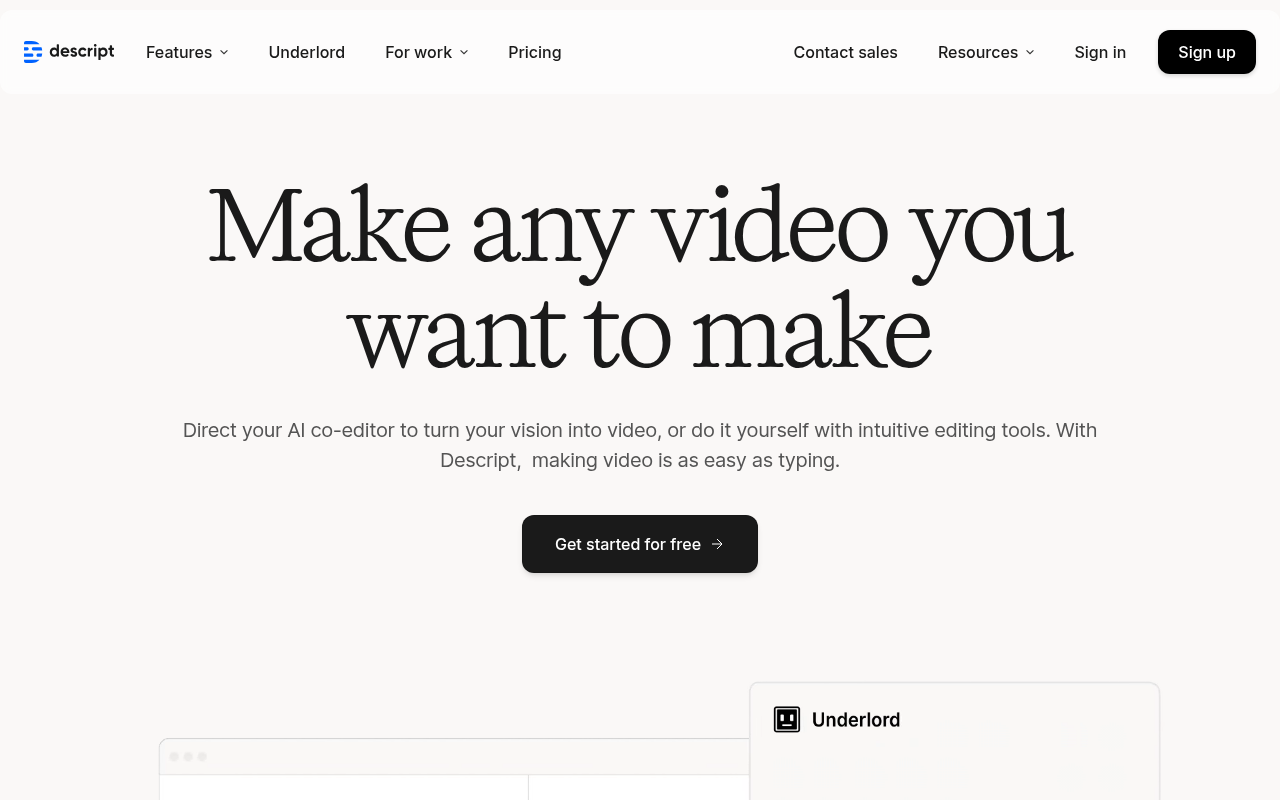
Edit your videos & podcasts just by typing. Descript's powerful AI editing tools let you make videos, podcasts, & short clips for social fast. Try it for free.
Website Preview
Click to view full size
About This Website
Descript: Edit Audio and Video with the Ease of Text
Descript is a revolutionary audio and video editing tool that uses AI to transform the editing process. Imagine editing a video as easily as editing a text document – that’s the power of Descript. It's designed for podcasters, YouTubers, marketers, educators, and anyone who creates audio or video content. Descript boasts cross-platform compatibility, working seamlessly on both macOS and Windows.
Key Features
Descript isn't just another video editor; its AI-powered workflow puts it in a league of its own.
- Transcription-Based Editing: Descript automatically transcribes your audio and video files. Edit by simply deleting words or phrases from the transcript, and the corresponding audio/video is automatically removed.
- AI-Powered Features: Leverage features like Studio Sound (removes background noise), Overdub (create AI voice clones to fix errors or add lines), and filler word removal with a single click.
- Multitrack Editing: Descript supports multitrack editing, allowing you to combine audio and video from multiple sources into a single, cohesive project.
- Screen Recording: Integrated screen recording directly within the Descript interface. This simplifies tutorial creation and presentations.
- Collaboration Features: Seamlessly collaborate with team members on projects in real-time, with shared workspaces and commenting features.
Pros & Cons
| Pros | Cons |
|---|---|
| ✓ Intuitive interface, even for beginners. | ✗ Overdub feature can be expensive depending on usage. |
| ✓ Transcription accuracy is generally high. | ✗ Occasional glitches can occur, especially with very large projects. |
| ✓ Powerful AI features save significant editing time. | ✗ Reliance on cloud-based processing can be a drawback for users with limited internet access or concerns about data security. |
| ✓ Excellent collaboration tools for teams. | ✗ Some advanced video editing features are limited compared to dedicated video editors. |
Who is Using Descript?
Descript is used by diverse groups, including:
- Podcasters: For editing episodes, removing filler words, and creating audiograms.
- YouTubers: For creating video content, adding captions, and repurposing long-form videos into short clips.
- Marketers: For creating promotional videos, social media content, and webinars.
- Educators: For creating online courses, tutorials, and presentations.
- Businesses: For internal communications, training videos, and marketing materials.
An uncommon use case is authors using Descript to transcribe their book narration and edit by fixing the text, then exporting corrected audio for final production. This skips the need to listen and make notes.
Pricing
Descript offers several pricing plans:
- Free: Includes limited transcription hours and editing features.
- Creator: Suitable for solo creators, offering more transcription hours and advanced features.
- Pro: Designed for professional podcasters and video editors, with unlimited transcription and advanced collaboration tools.
- Enterprise: Custom pricing for larger teams and organizations with specific needs.
Disclaimer: Pricing is subject to change. Please check Descript's official website for the most up-to-date information.
What Makes Descript Unique?
Descript’s unique selling point is its transcription-based editing workflow. This fundamentally changes how audio and video are edited, making it significantly faster and easier than traditional methods. The integrated AI features further enhance productivity by automating tedious tasks.
How We Rated It
Here's a breakdown of our ratings for Descript:
- Accuracy and Reliability: 4.5/5
- Ease of Use: 5/5
- Functionality and Features: 4.5/5
- Performance and Speed: 4/5
- Customization and Flexibility: 4/5
- Data Privacy and Security: 4/5
- Support and Resources: 5/5
- Cost-Efficiency: 4/5
- Integration Capabilities: 4/5
- Overall Score: 4.3/5
Summary
Descript is a game-changer for anyone who works with audio and video. Its intuitive interface, powerful AI features, and transcription-based editing make it a standout tool in its category. Podcasters, YouTubers, educators, and businesses alike will find Descript to be a valuable asset for creating high-quality content efficiently. If you value speed and ease of use in your content creation workflow, Descript is definitely worth considering.
Similar Tools
Generate social media videos in 2 minutes with your AI Avatar
Highest Quality AI Video Face Swap Online, Anyone Can Swap Face For Photos, Vide...
Wondershare UniConverter 16 enables you to experience an ultra-high-speed video ...
AutoCut is a Premiere Pro & DaVinci Resolve plugin using AI to add animated subt...
Featured Links
Unlock back-tested predictive leading trading indicators on real-time charts. Tr...