
Descript Review: AI-Powered Video & Podcast Editing for Everyone
Audio EditingDescription
Edit your videos & podcasts just by typing. Descript's powerful AI editing tools let you make videos, podcasts, & short clips for social fast. Try it for free.
Website Preview
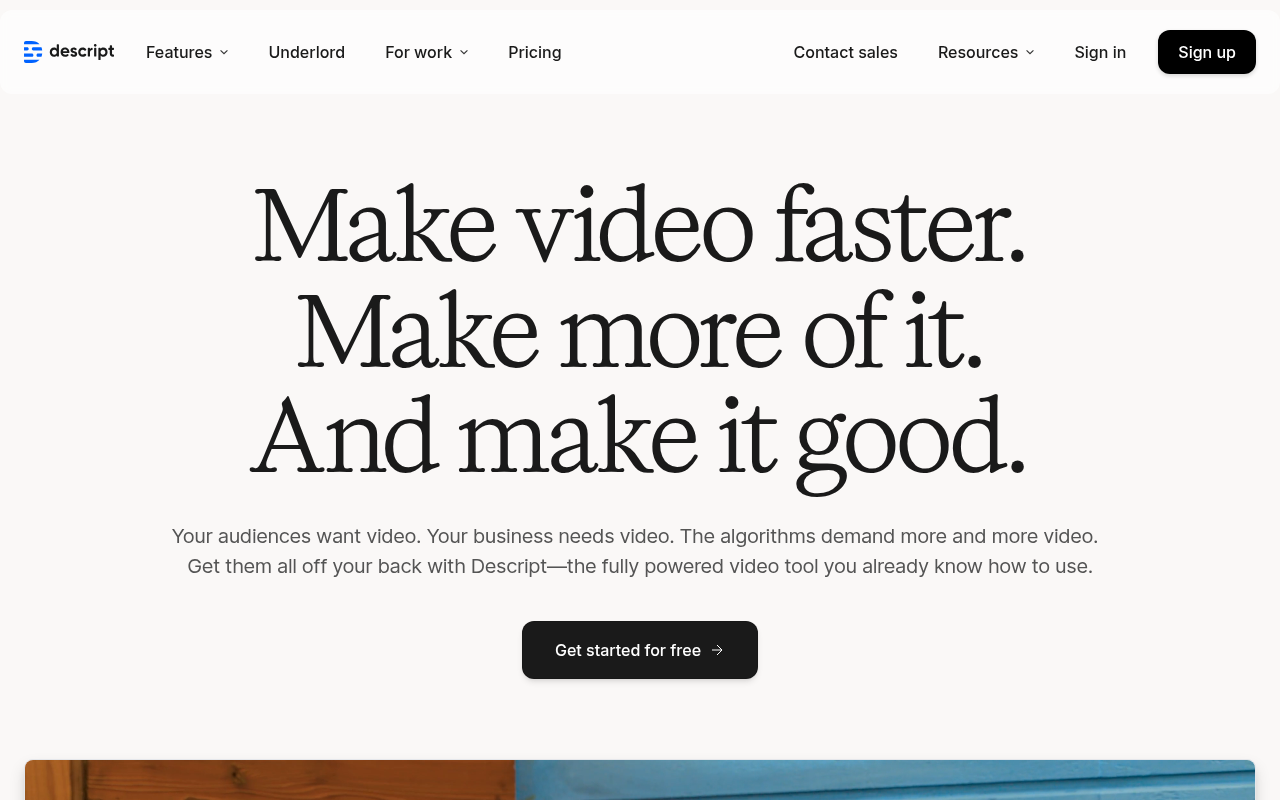
Click to view full size
About This Website
What is Descript?
Descript is an innovative, AI-powered audio and video editing tool that allows users to edit media files as easily as editing a document. Its primary purpose is to simplify the editing process for creators of all skill levels, from beginners to seasoned professionals. Descript's AI capabilities include automatic transcription, filler word removal, and audio enhancement. It targets podcasters, YouTubers, marketers, and anyone who needs to create engaging audio or video content. One of Descript's key advantages is its available cross-platform functionality across macOS and Windows, ensuring accessibility for a broad user base and collaborative features that allow teams to work together seamlessly on projects, regardless of their location.
Key Features
- Transcription-Based Editing: Edit audio and video by directly manipulating the text transcript. Deleting words from the transcript removes the corresponding audio/video section.
- AI-Powered Tools: Leverage features like automatic filler word removal ("um," "ah"), silence removal, and speech enhancement to refine recordings quickly.
- Multi-Track Editing: Combine multiple audio and video tracks to create complex compositions with effects, transitions, and royalty-free music integration.
- Screen Recording: Capture your screen and webcam simultaneously, ideal for creating tutorials, presentations, and reaction videos directly within Descript.
Pros & Cons
| Pros | Cons |
|---|---|
| ✓ Simplifies editing workflow dramatically. | ✗ Can be resource-intensive on older computers. |
| ✓ AI features save significant time and effort. | ✗ Pricing can be prohibitive for occasional users. |
| ✓ Easy collaboration with team members. | ✗ Transcription accuracy isn't always perfect and may require editing. |
| ✓ User-friendly interface, even for beginners. | ✗ Limited advanced video editing capabilities compared to dedicated video editing software. |
Who is Using Descript?
Descript is popular among a wide range of users. Typical users include:
- Podcasters: For editing episodes, removing filler words, and creating audiograms for social media promotion.
- YouTubers: For editing video content, adding captions, and creating engaging short clips.
- Marketing Professionals: For creating promotional videos, editing webinars, and producing training materials.
- Educational Institutions: For creating online course content and educational videos.
Less common, yet creative, uses include:
- Journalists: For transcribing interviews and creating audio documentaries.
- Authors: For narrating audiobooks and editing voiceovers.
- Lawyers: For transcribing depositions and court proceedings.
Pricing
Descript offers a tiered pricing structure which includes:
- Free: Includes limited features for basic editing needs and watermark on exported videos.
- Creator: Suited for individuals, offering unlimited recording time and advanced editing features.
- Pro: Designed for professionals needing collaboration tools, advanced AI features, and priority support.
- Enterprise: Customized solutions with dedicated support, security features, and team management capabilities.
Disclaimer: Pricing is subject to change. Please refer to the official Descript website for the most up-to-date information.
What Makes Descript Unique?
Descript's unique selling point is its text-based editing workflow. The ability to edit audio and video as easily as editing a document is a game-changer, drastically simplifying the editing process for many users. Moreover, the integration of powerful AI tools, like automatic transcription and filler word removal, sets Descript apart from traditional editing software.
How We Rated It
| Feature | Rating (1-5) |
|---|---|
| Accuracy and Reliability | 4 |
| Ease of Use | 5 |
| Functionality and Features | 4 |
| Performance and Speed | 4 |
| Customization and Flexibility | 3 |
| Data Privacy and Security | 4 |
| Support and Resources | 4 |
| Cost-Efficiency | 3 |
| Integration Capabilities | 4 |
| Overall Score | 4 |
Summary
Descript is a standout AI tool that benefits anyone who needs to create audio or video content efficiently. Its innovative text-based editing and AI-powered features make it especially valuable for podcasters, YouTubers, and marketing professionals looking to streamline their workflows. While the pricing might be a barrier for some, the time-saving and ease-of-use benefits make Descript a compelling choice in the AI-powered media editing landscape.
Similar Tools
Generate unlimited high-quality AI sounds with OptimizerAI
AudioStack’s technology seamlessly integrates into your product or workflow an...
A playground for accelerating imagination. Superstudio brings together creative ...
Featured Links
Unlock back-tested predictive leading trading indicators on real-time charts. Tr...