
Cursor: Your AI-Powered Coding Assistant
Code AssistantDescription
Built to make you extraordinarily productive, Cursor is the best way to code with AI.
Website Preview
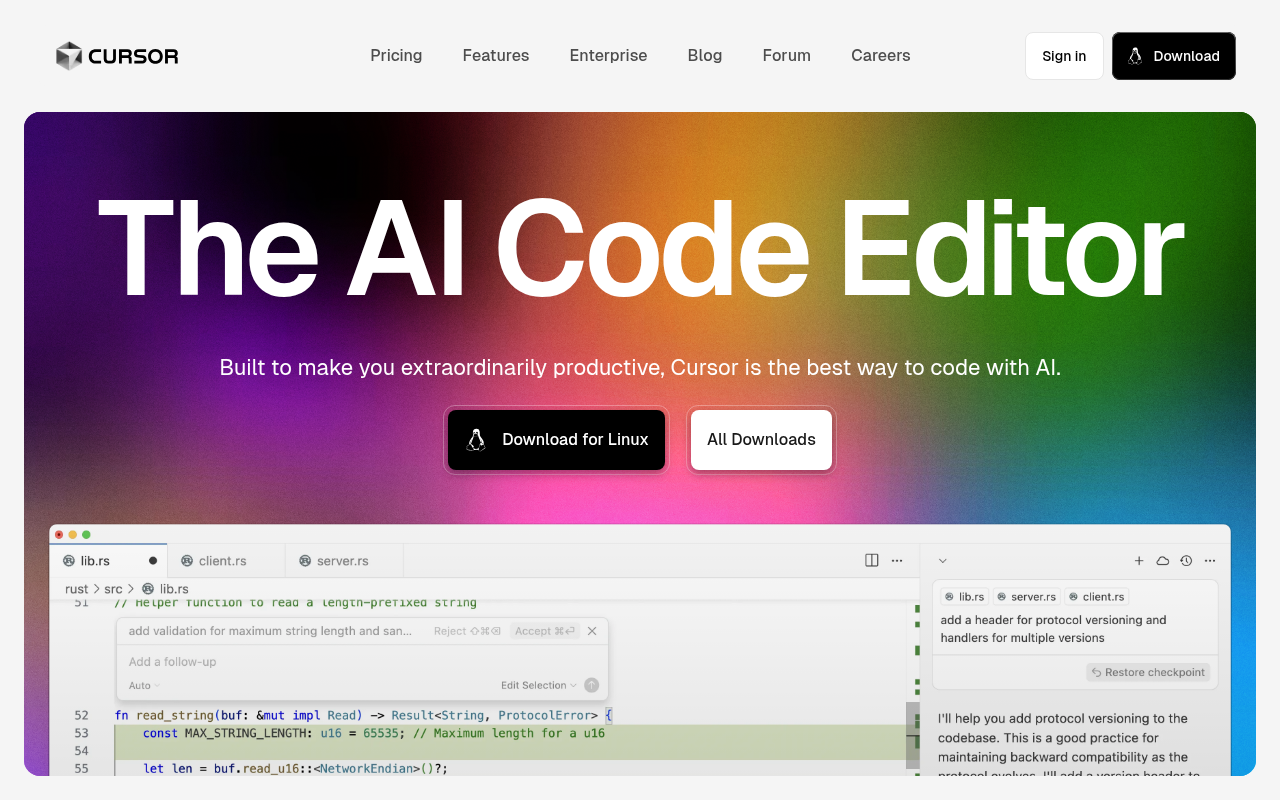
Click to view full size
About This Website
What is Cursor?
Cursor is an AI-powered code editor designed to boost developer productivity. It leverages artificial intelligence to assist with various coding tasks, aiming to make the development process faster and more efficient. It is designed to be used by software developers of all levels, from beginners to advanced programmers. Cursor offers cross-platform compatibility, available on Windows, macOS, and Linux. This ensures seamless development across different operating systems.
Key Features
- AI Code Generation: Cursor can generate code snippets, functions, or even entire modules based on natural language descriptions. This feature significantly reduces coding time and helps developers quickly implement complex functionalities.
- Context-Aware Autocompletion: Unlike traditional autocompletion, Cursor understands the context of your code and provides suggestions that are relevant and accurate. This leads to fewer errors and a smoother coding experience.
- AI-Powered Debugging: Cursor can identify potential bugs and errors in your code and suggest solutions. This saves developers time and effort in the debugging process.
- Code Explanation: Cursor can explain complex code blocks in simple terms, making it easier to understand and maintain existing codebases. This is especially useful when working with unfamiliar code or collaborating with other developers.
- Refactoring Assistance: Cursor can help refactor code, improving its readability, maintainability, and performance.
Pros & Cons
| Pros | Cons |
|---|---|
| ✓ Enhanced productivity through AI-powered code generation. | ✗ Potential learning curve for developers new to AI tools. |
| ✓ Intelligent autocompletion saves time and reduces errors. | ✗ AI accuracy can vary depending on the complexity of the code. |
| ✓ Streamlined debugging process with AI assistance. | ✗ Reliance on internet connectivity for AI features. |
| ✓ Cross-platform compatibility. | ✗ Limited offline functionality |
Who is Using Cursor?
Cursor is used by a wide range of developers, including:
- Software Engineers: To accelerate development cycles and improve code quality.
- Web Developers: To quickly build and deploy web applications.
- Data Scientists: To automate data analysis and model development tasks.
- Students and Beginners: To learn to code more effectively and understand complex concepts.
One uncommon use case is using Cursor to rapidly prototype software ideas. Because the tool simplifies coding tasks significantly, it is easier for developers to get an initial version of their software running, so that they can evaluate the feasibility, and user experience early on.
Pricing
Cursor offers a tiered pricing structure:
- Free: Limited access to the AI features.
- Pro: Paid tier that unlocks full access to all AI features. Price is subject to change and can be found on the Cursor website.
Disclaimer: Please note that the pricing information provided is based on the latest available data and is subject to change. It is advisable to visit the official Cursor website for the most up-to-date pricing details.
What Makes Cursor Unique?
Cursor stands out with its tight integration of AI into the coding workflow. It's not just a code editor with some AI features; it's built from the ground up to be an AI-first development environment. This results in a more seamless and intuitive experience compared to other tools that simply add AI as an afterthought. Additionally, its cross-platform compatibility ensures accessibility for developers using various operating systems.
How We Rated It
| Category | Rating (1-5) |
|---|---|
| Accuracy and Reliability | 4 |
| Ease of Use | 4 |
| Functionality and Features | 5 |
| Performance and Speed | 4 |
| Customization and Flexibility | 3 |
| Data Privacy and Security | 4 |
| Support and Resources | 4 |
| Cost-Efficiency | 4 |
| Integration Capabilities | 3 |
| Overall Score | 4 |
Summary
Cursor is a standout AI tool that benefits developers seeking to significantly increase their coding productivity. Its AI-powered code generation, autocompletion, and debugging capabilities streamline the development process, making it a valuable asset for both experienced programmers and those new to coding. With its intuitive interface and cross-platform compatibility, Cursor is poised to become a leading AI-powered code editor in the industry.
Similar Tools
Transform user flows into automated tests instantly. AI-powered testing solution...
A Code environment with code prediction and full intellisense support for Javasc...
All the infrastructure you need to ship analytics in your app. Capture, store, t...
Featured Links
Unlock back-tested predictive leading trading indicators on real-time charts. Tr...