
Captions AI: AI-Powered Video Editing for Effortless Storytelling
Video EditingDescription
Meet Captions. The next generation of storytelling - at your fingertips. Discover the power of AI and create studio-grade videos in just a few taps.
Website Preview
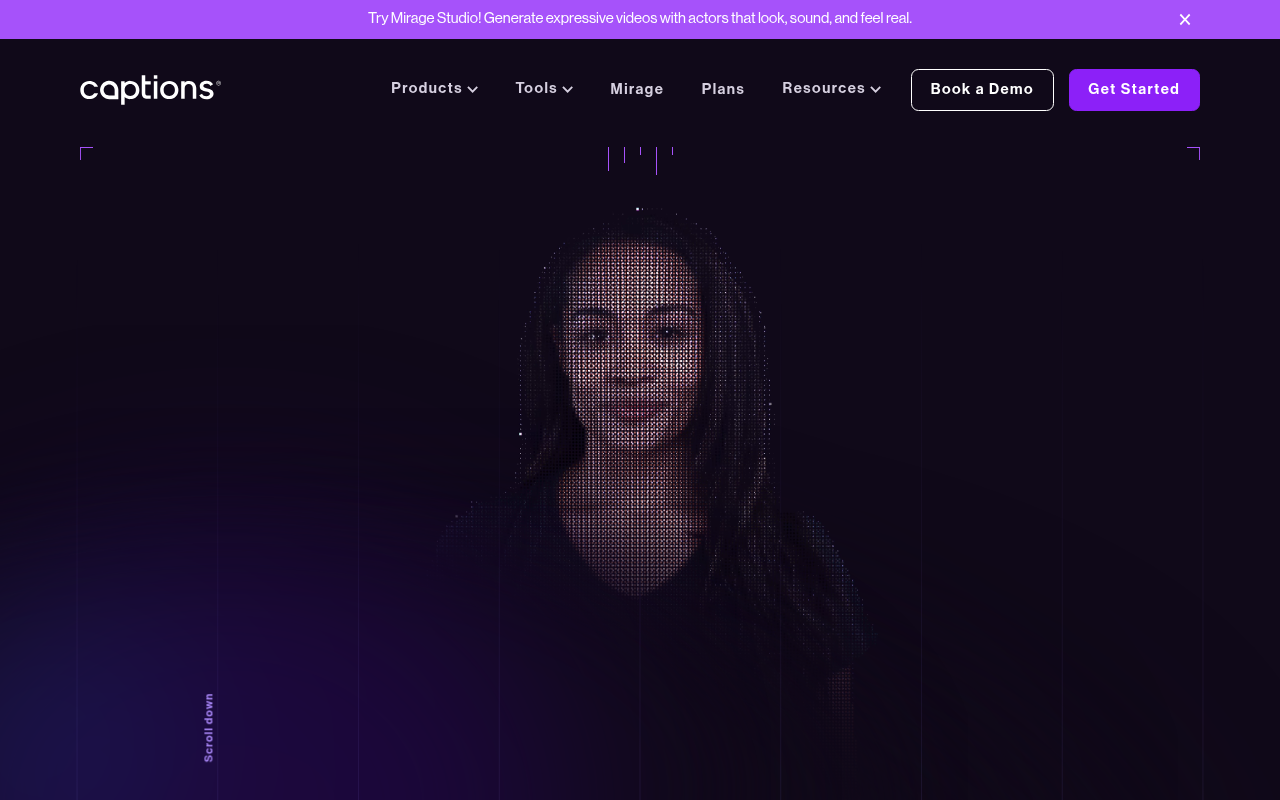
Click to view full size
About This Website
Captions AI: Your Pocket-Sized AI Video Studio
Captions AI is an innovative AI-powered video editing tool designed to make professional-quality video creation accessible to everyone. It aims to simplify the video editing process, allowing users to create engaging content with minimal effort. Captions AI is built with powerful AI algorithms to automate complex tasks, making it ideal for content creators, marketers, educators, and anyone who wants to produce compelling videos quickly. Its cross-platform availability (iOS and Desktop) ensures flexibility and convenience.
Key Features
Captions AI boasts a range of AI-driven features that streamline video creation:
-
AI-Powered Captions: Automatically generates accurate and stylish captions for your videos, improving accessibility and viewer engagement. It supports multiple languages and allows customization of the caption style.
-
Eye Contact Correction: Uses AI to subtly adjust your gaze, making it appear as though you're always looking directly at the camera, even if you're reading a script.
-
Word-Accurate Editing: Edit your video by editing the transcript. Deleting words in the transcript removes the corresponding video segment, making editing intuitive and fast.
-
AI Background Removal: Instantly remove and replace video backgrounds with ease. This allows for creative freedom and professional-looking results without needing a green screen.
Pros & Cons
| Pros | Cons |
|---|---|
| ✓ Simplifies video editing for beginners and experts. | ✗ Reliance on AI may sometimes lead to minor inaccuracies. |
| ✓ Significant time savings with automated features. | ✗ Advanced features may require a subscription. |
| ✓ High-quality, professional-looking results. | ✗ Desktop Application can be resource intensive on older devices. |
| ✓ Cross-platform accessibility (iOS & Desktop) offers great flexibility. | |
| ✓ AI Background removal feature reduces the reliance on external apps and tools. |
Who is Using Captions AI?
Captions AI is popular among various user groups:
- Social Media Influencers: Create engaging content for platforms like TikTok, Instagram, and YouTube.
- Marketing Professionals: Develop video ads and promotional materials quickly and efficiently.
- Educators: Produce instructional videos and online courses with ease.
- Small Business Owners: Craft compelling video content for marketing, customer service, and internal communications.
Uncommon Use Cases:
- Journalists: Journalists are leveraging it for quickly adding captions to interviews or news clips, making information more accessible for broader audiences.
- Language Learners: Students learning foreign languages leverage the auto-caption and translation features for efficient learning.
Pricing
Captions AI offers a tiered pricing structure (subject to change):
- Free Plan: Limited features, including basic video editing and auto captions with a Captions AI watermark.
- Pro Plan: Removes watermarks, unlocks additional features like eye contact correction and AI background removal, and provides increased video storage. Paid monthly or annually.
- Teams Plan: Suitable for collaborative teams with features for project sharing and team management. Pricing varies based on the number of users.
Disclaimer: Please refer to the Captions AI website for the most current and detailed pricing information.
What Makes Captions AI Unique?
Captions AI stands out due to its focus on AI-driven automation. Its 'edit by transcript' functionality and automated eye contact correction are unique features that differentiate it from traditional video editing software. This, combined with its focus on accessibility, makes video creation exceptionally simple and efficient.
How We Rated It
Here’s a breakdown of our ratings:
- Accuracy and Reliability: 4/5
- Ease of Use: 5/5
- Functionality and Features: 4/5
- Performance and Speed: 4/5
- Customization and Flexibility: 3/5
- Data Privacy and Security: 4/5
- Support and Resources: 4/5
- Cost-Efficiency: 3/5
- Integration Capabilities: 3/5
- Overall Score: 4/5
Summary
Captions AI is a powerful AI-driven video editing tool best suited for content creators, marketers, and educators who need to create professional-looking videos quickly and efficiently. Its intuitive interface and automation features make it a standout choice for simplifying video creation and improving viewer engagement, especially for social media content.
Similar Tools
Generate social media videos in 2 minutes with your AI Avatar
Highest Quality AI Video Face Swap Online, Anyone Can Swap Face For Photos, Vide...
Wondershare UniConverter 16 enables you to experience an ultra-high-speed video ...
AutoCut is a Premiere Pro & DaVinci Resolve plugin using AI to add animated subt...
Featured Links
Unlock back-tested predictive leading trading indicators on real-time charts. Tr...