
Autodesk Flow Studio (Formerly Wonder Studio): AI Animation Revolution for VFX
Video EditingDescription
Discover the innovative AI tool transforming VFX. Effortlessly animate, light, and compose CG characters into live scenes. Elevate your storytelling today!
Website Preview
Click to view full size
About This Website
Autodesk Flow Studio: AI-Powered CG Animation Online
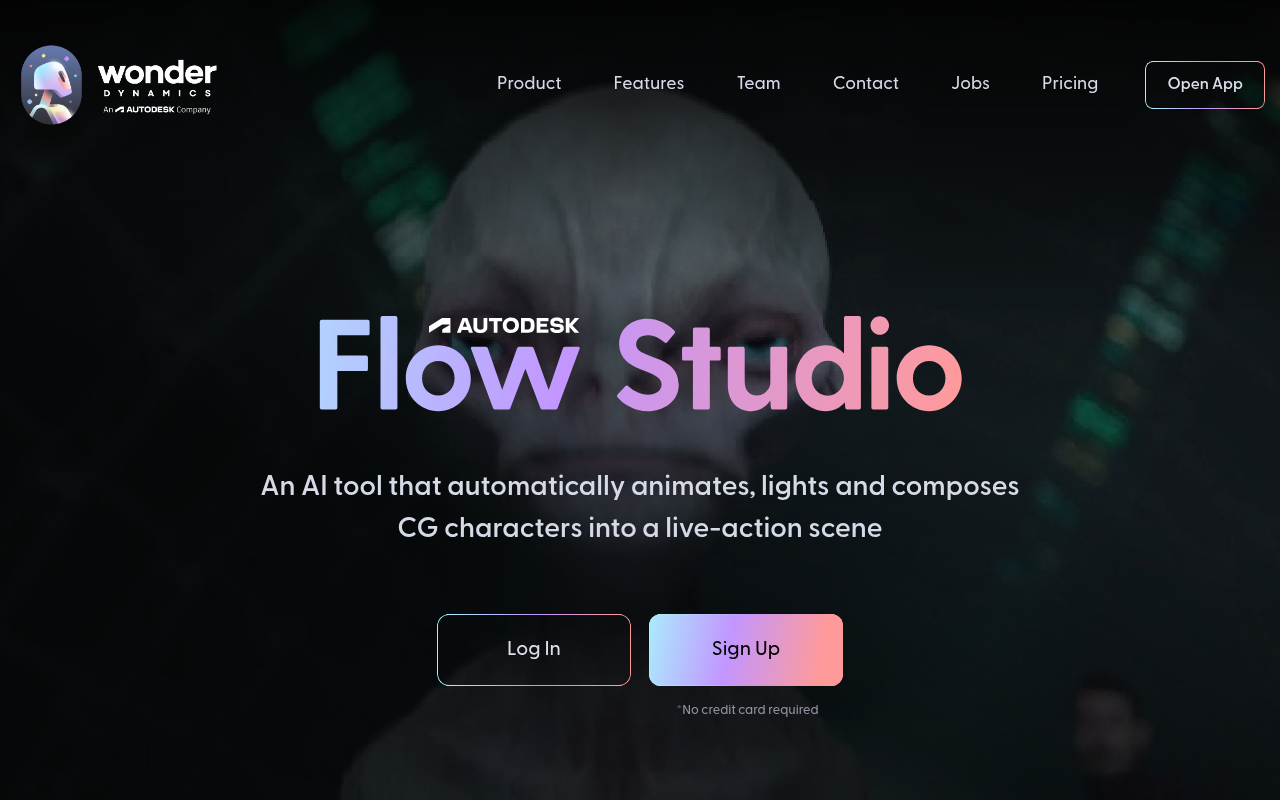
Autodesk Flow Studio, formerly known as Wonder Studio, is an innovative AI tool designed to revolutionize visual effects (VFX) and animation workflows. It allows creators to effortlessly animate, light, and compose CG characters into live-action scenes, streamlining the traditionally complex and expensive VFX process. The tool leverages advanced AI algorithms to automate character animation and scene integration, making professional-grade VFX accessible to a broader range of users, including independent filmmakers, content creators, and studios of all sizes. It offers cross-platform functionality, accessible via web browser and desktop applications, enhancing collaborative workflows.
Key Features
- Automatic Character Animation: Flow Studio uses AI to automatically animate CG characters based on the performance of actors in live-action footage. This eliminates the need for manual keyframe animation, significantly reducing production time and costs.
- Real-time Compositing: The tool enables real-time compositing of CG characters into live scenes, allowing users to visualize the final result and make adjustments on the fly.
- Automated Lighting and Shading: Flow Studio automates the lighting and shading of CG characters to seamlessly blend them with the live-action environment, resulting in a more realistic and believable integration.
Pros and Cons
| Pros | Cons |
|---|---|
| ✓ Significantly reduces VFX production time and costs. | ✗ Reliance on quality input footage for optimal animation results. |
| ✓ Makes professional-grade VFX accessible to more users. | ✗ May require some technical expertise to fully utilize all features. |
| ✓ Streamlines the character animation workflow. | ✗ Dependence on internet connectivity for cloud-based processing. |
Who is Using Autodesk Flow Studio?
Flow Studio caters to a diverse range of users:
- Independent Filmmakers: Simplifies the integration of CG characters into their films, enabling them to create visually stunning content on a limited budget.
- Content Creators: Allows YouTubers, streamers, and other online content creators to enhance their videos with professional-looking VFX.
- VFX Studios: Accelerates their production pipeline by automating tedious tasks and freeing up artists to focus on more creative aspects of VFX.
- Game Developers: Potentially allows the quick creations of in-game cinematics.
A potentially creative use case involves educational institutions using Flow Studio to teach students about VFX and animation. It offers a hands-on learning experience without the steep learning curve associated with traditional VFX software.
Pricing
Autodesk Flow Studio offers subscription-based pricing, typically with different tiers based on usage and features. Pricing details are available on the Autodesk Flow Studio website. Disclaimer: Pricing is subject to change, always verify on the official website.
What Makes Autodesk Flow Studio Unique?
Autodesk Flow Studio stands out due to its AI-powered automation capabilities. Unlike traditional VFX software that requires extensive manual work, Flow Studio automates key aspects of character animation and scene integration, drastically reducing production time and costs. Its focus on real-time compositing offers immediate feedback and accelerates the creative process, something not often found with tradition VFX and animation software.
How We Rated It
- Accuracy and Reliability: 4/5
- Ease of Use: 4/5
- Functionality and Features: 4/5
- Performance and Speed: 4/5
- Customization and Flexibility: 3/5
- Data Privacy and Security: 4/5
- Support and Resources: 3/5
- Cost-Efficiency: 5/5
- Integration Capabilities: 3/5
- Overall Score: 4/5
Summary
Autodesk Flow Studio (formerly Wonder Studio) is a standout AI tool in the VFX and animation category, primarily benefitting independent filmmakers, content creators, and smaller studios seeking to create high-quality visuals without the traditional expense and complexity. Its AI-powered automation features streamline the workflow, making professional-grade VFX accessible to a wider audience.
Similar Tools
Generate social media videos in 2 minutes with your AI Avatar
Highest Quality AI Video Face Swap Online, Anyone Can Swap Face For Photos, Vide...
Wondershare UniConverter 16 enables you to experience an ultra-high-speed video ...
AutoCut is a Premiere Pro & DaVinci Resolve plugin using AI to add animated subt...
Featured Links
Unlock back-tested predictive leading trading indicators on real-time charts. Tr...